
Product design
Product design that engineers can build from on Monday
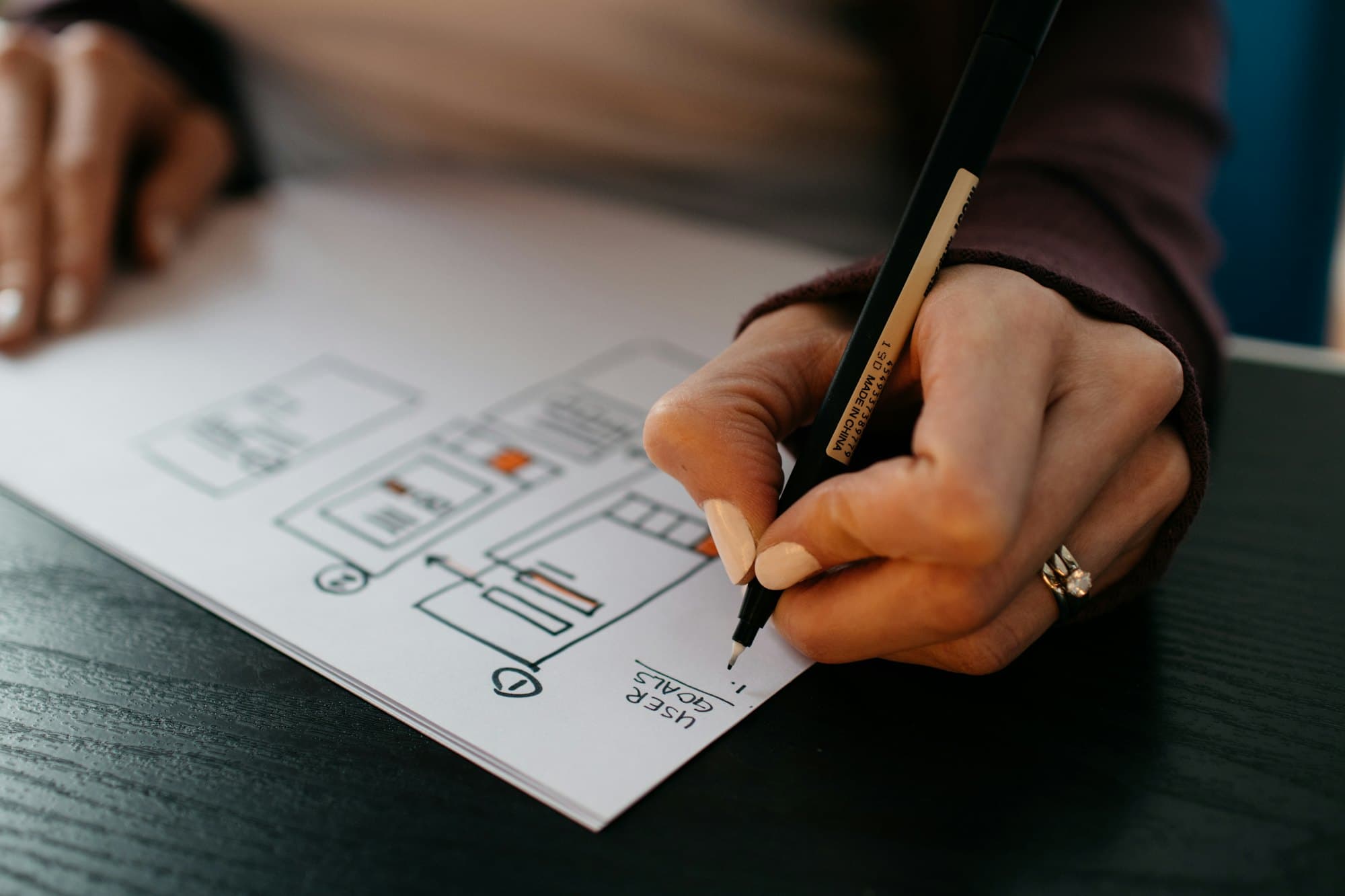
Research, UX flows and interface design done by designers who work in the same weekly cycle as the engineers. Designs ship as working software, not as a slide deck.
Who it's for
Clients usually come to us for product design in one of these situations.
Users sign up but don't stick
Trials start and stall, and nobody can say exactly where new users get lost or why. You need evidence before redesigning.
Every screen looks a little different
Years of features from different people have left inconsistent buttons, forms and layouts. Engineers rebuild the same components over and over.
A big feature is on the roadmap
You're about to commit months of engineering to something new and want to test it with real users before the first line of code.
What we build
Design work runs through the same request queue as engineering. A request might be a new flow, a usability review or a component for the design system.
- Discovery and user research
- Interviews, support ticket reviews and analytics to find where users get stuck, written up as a short list of problems worth solving.
- UX flows and prototypes
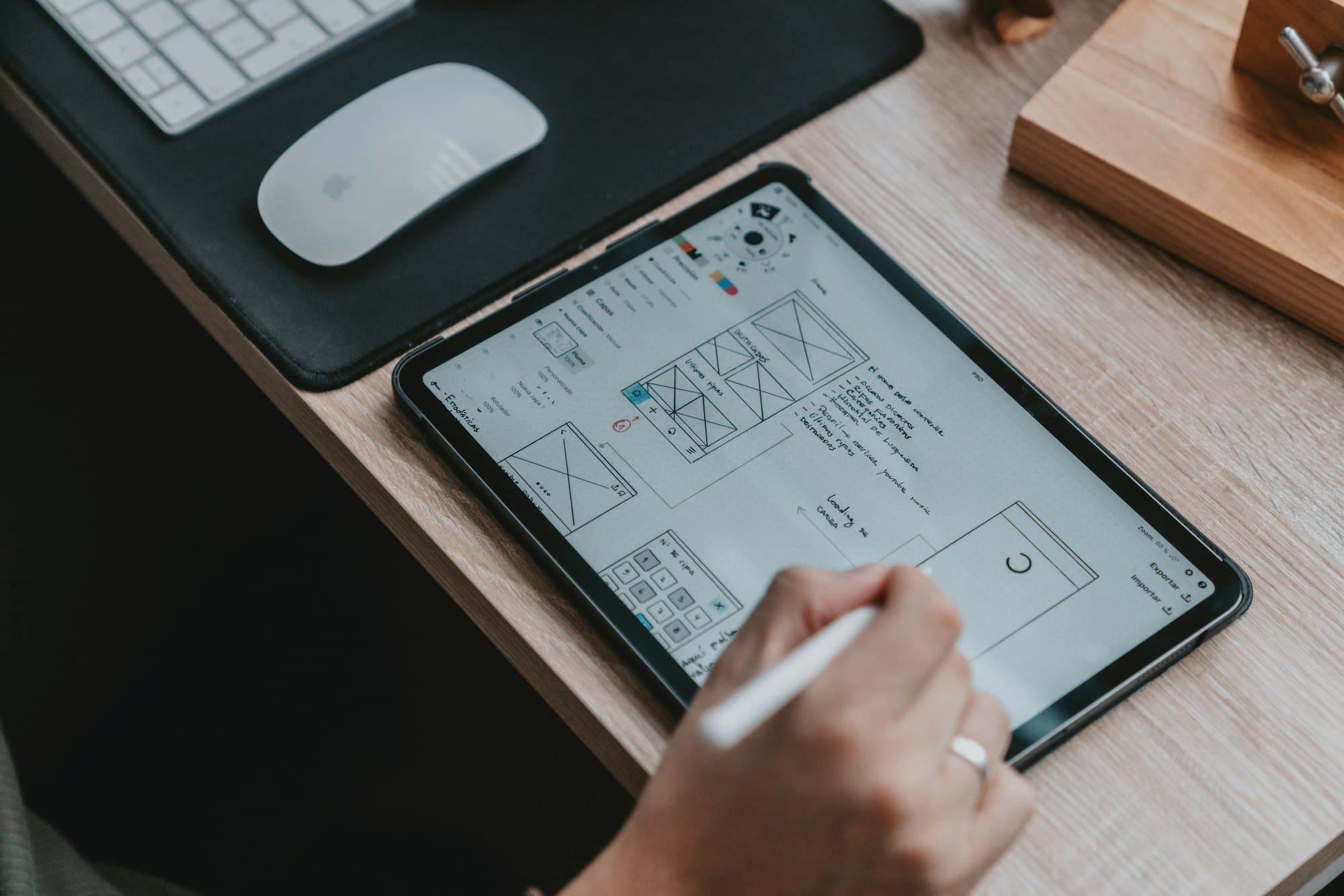
- Clickable prototypes of new features, tested with a handful of real users before any production code is written.
- Interface design
- High-fidelity screens for web and mobile with every state accounted for: empty, loading, error, long content and small screens.
- Design systems
- A component library in Figma matched one to one with coded components, so design and code don't drift apart.
- Accessibility reviews
- Audits against WCAG 2.2 AA covering contrast, keyboard use, screen readers and form errors, with fixes prioritized.
How we approach it
Every request moves through the same steps, inside your weekly release cycle.
- 01
Start from the problem
Each design request begins with what the user is trying to do and how we'll know the change worked.
- 02
Sketch, then prototype
Low-fidelity options first, so you can choose a direction quickly. Then a clickable prototype of the chosen one.
- 03
Test with real users
For significant changes, short usability sessions with your customers or staff before engineering starts.
- 04
Hand off inside the team
The designer reviews the built feature on its preview link before it ships, so the result matches the design.
Typical timeline
Engagement timeline
A typical schedule for a first major flow, plus the start of a design system. Engineering builds alongside, so code starts before the last screen is final.
About 8 weeks for a first major flow
Weeks 1 to 2
Research and audit
Support tickets, analytics and a few user interviews, written up as a short list of problems.
Weeks 2 to 3
Flows and options
Low-fidelity directions so you can choose an approach quickly.
Weeks 3 to 5
Prototype and usability sessions
A clickable prototype tested with your customers or staff, then revised.
Weeks 4 to 7
Interface and components
Final screens with every state, and new components added to the design system.
Weeks 6 to 8
Build review
The designer reviews each built screen on its preview link before it ships.
Typical on a Growth plan, which includes a dedicated product designer. Recruiting research participants is the most common source of delay.
What you get every week
Releases happen on a fixed day each week. Monday starts with a queue check; Friday ends with these in your inbox and your shared channel.
Updated Figma files
Design work in your workspace with a short changelog, so you can see what moved without opening every page.
Prototype links
Clickable prototypes of anything new, ready to share with colleagues or customers for comment.
Design review on previews
Comments from the designer on built screens before they ship, so the release matches the design.
Research notes
In weeks with user sessions, a written summary of what we saw, with clips where participants agreed to recording.
Quality standards
The targets we hold this work to, and how we check them. These are our commitments for how the work is done, not certifications.
- Accessibility
- Our targetWCAG 2.2 Level AA for contrast, focus states, target sizes and error messages.
- How we checkEvery component is checked before handoff, not after it's built.
- Every state designed
- Our targetEmpty, loading, error, long content, permission-denied and small-screen states for each screen.
- How we checkA handoff checklist the engineer and designer both sign off.
- Design and code parity
- Our targetFigma components map one to one to coded components, sharing the same design tokens.
- How we checkComponents compared side by side in Storybook during review.
- Research practice
- Our targetParticipants give consent to recording, and notes are anonymized before sharing.
- How we checkA consent form for every session; recordings stored in your accounts.
- Interface copy
- Our targetPlain-language labels, help text and error messages written with the design, not added afterward.
- How we checkCopy is reviewed as part of design review.
Typical deliverables
What you can expect to have in hand, in accounts and repositories you own.
- Figma files in your own workspace
- Clickable prototypes for new flows
- Component library matched to coded components
- Usability findings with recommended changes
- Accessibility audit and fix list
- Design review on every user-facing release
Illustrative example, not a client case study
Example engagement
A SaaS company redesigns onboarding for new workspaces
Picture a B2B software company whose new workspaces often stall before inviting a second user. The team has theories about why but no shared evidence.
Weeks 1 to 2
Find where users stall
We review onboarding-related support tickets and the sign-up funnel in analytics, then interview a handful of recent sign-ups about their first day.
Weeks 2 to 3
Choose a direction
Three low-fidelity approaches are compared with the product team, and one is chosen for prototyping.
Weeks 3 to 5
Test the prototype
Usability sessions with new customers reveal two confusing steps, which are redesigned before engineering picks them up.
Weeks 5 to 8
Design and build together
Final screens and new components land in the design system while engineers build, and the designer reviews every preview link.
Where it ends up
The new onboarding ships behind a feature flag so the team can compare it with the old flow, the components are reusable across the product, and the research notes list the next problems worth solving.
Technologies we use
A short, well-known list. We'd rather know a few tools deeply than list every framework we've touched.
| Area | Tools |
|---|---|
| Design | Figma, FigJam, Design tokens |
| Research | Maze, Lookback, Product analytics |
| Build | Storybook, Tailwind CSS, React Native |
Which development plan fits
Product design is delivered under a development subscription. These are the plans that suit this work best.
Growth
$790 per month, best fit
Includes a dedicated product designer who works alongside your lead engineer every week.
Start with GrowthScale
$1,490 per month
Room for ongoing research and design system work in parallel with feature delivery.
Start with ScaleStarter
$390 per month
Design requests can share the single active slot with engineering work, one at a time.
Start with Starter
Common questions
If yours isn't here, ask us on a call or by email.
Can we subscribe for design only?
Design is delivered as part of a development subscription, so designs turn into shipped features in the same cycle. If you only need a design system or an audit, talk to us and we'll suggest a scope.
Will you work with our existing brand?
Yes. We work within your brand guidelines and existing design system. If you don't have one, we'll set up a lightweight system as part of the first requests.
Who owns the design files?
You do. Files live in your Figma workspace, and design work transfers to you under our Terms of Service like any other paid work.
How many usability sessions do you run?
Enough to see patterns, which for most changes means a handful of sessions per round. We scale the research to the risk: a new pricing flow gets more testing than a settings screen.
Do you design logos and brand identities?
No. We focus on product interfaces and work within your existing brand. If you need a new identity, we'd suggest a brand specialist and can work from their guidelines.
Can your designers hand off to our own engineers?
Yes. Designs come with specs, states and components your team can build from, and the designer can review your team's preview links as requests in the queue.


Talk to an engineer about product design.
A 30-minute call with an engineer, not a sales script. You'll leave with a scope, a plan recommendation and a start date.